Blending
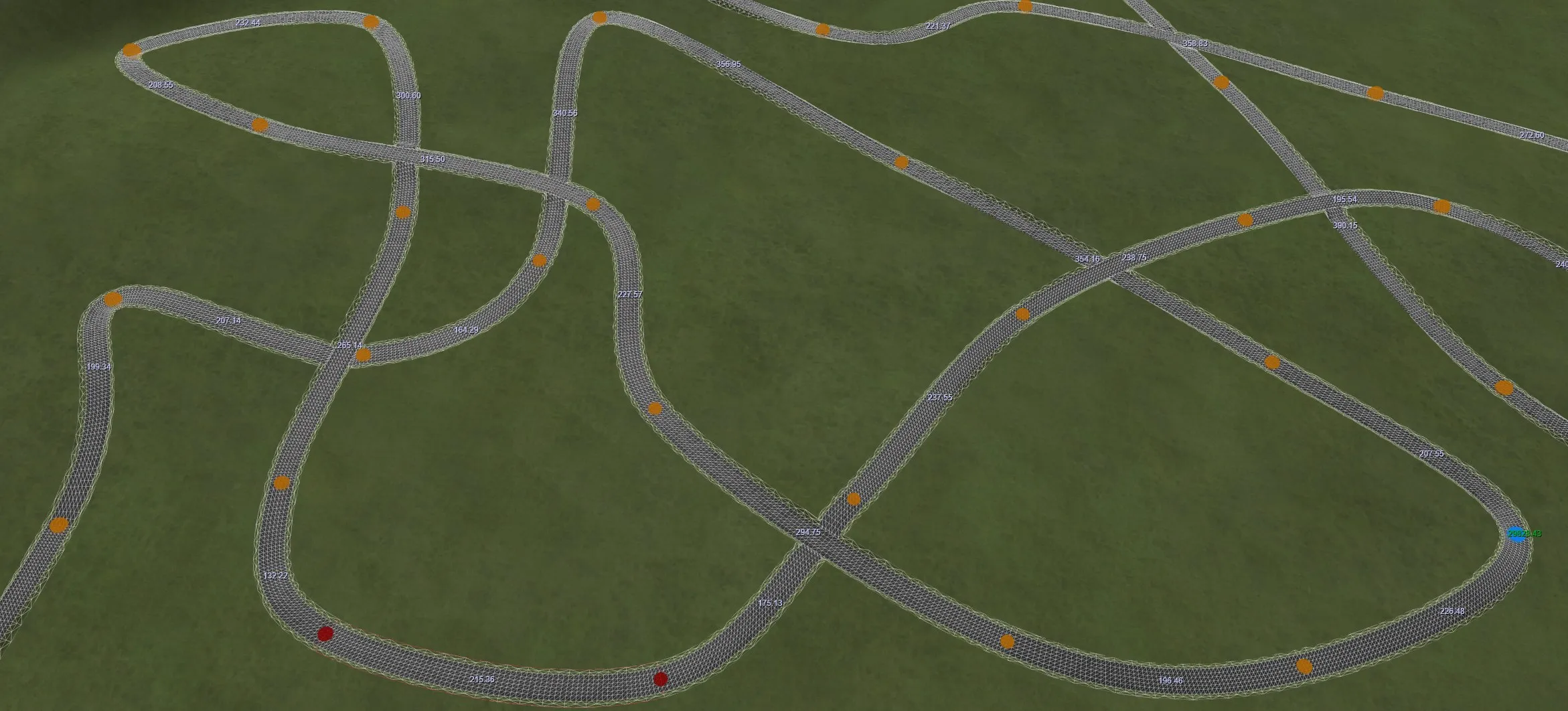
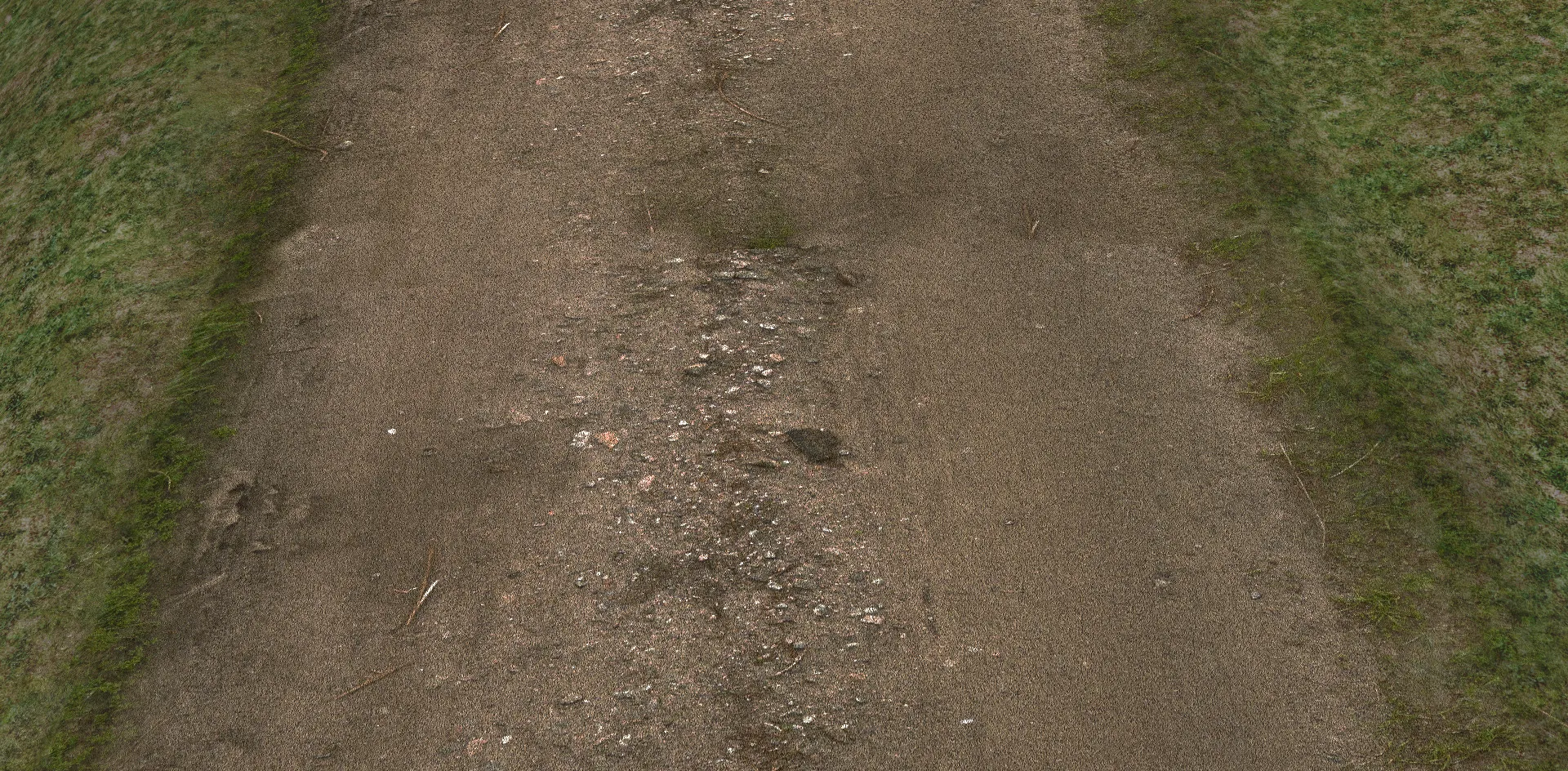
RTB goes to great lengths to blend road edges with the terrain. Materials blend into smooth transitions, outside edges follow the slope of the terrain, and cross-section points adjust to the ground beneath.
Track blend
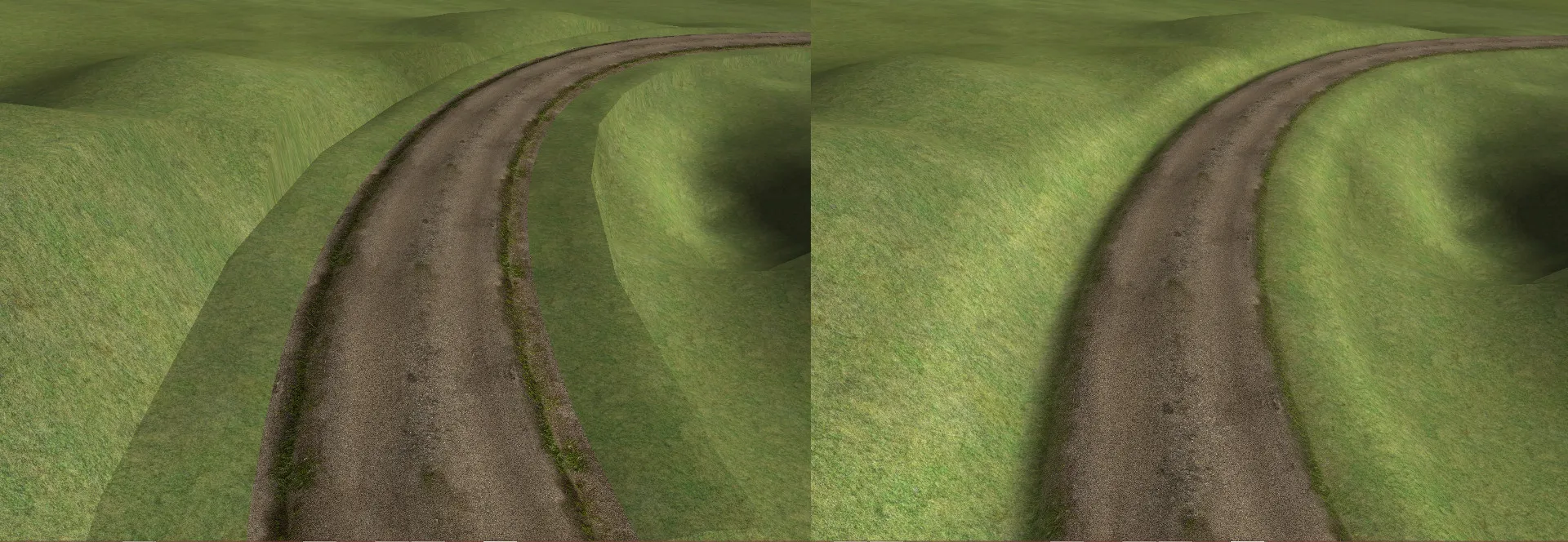
By default, track edges are calculated, shaped and lit to blend with the surrounding terrain. This happens in three ways:
- Material: the terrain is used as the edge material, then blended with the track's material.
- Shape: the track's physical shape is adjusted to "meld" with the terrain.
- Lighting: lighting is adjusted so abrupt angles are less visible.
Track to track
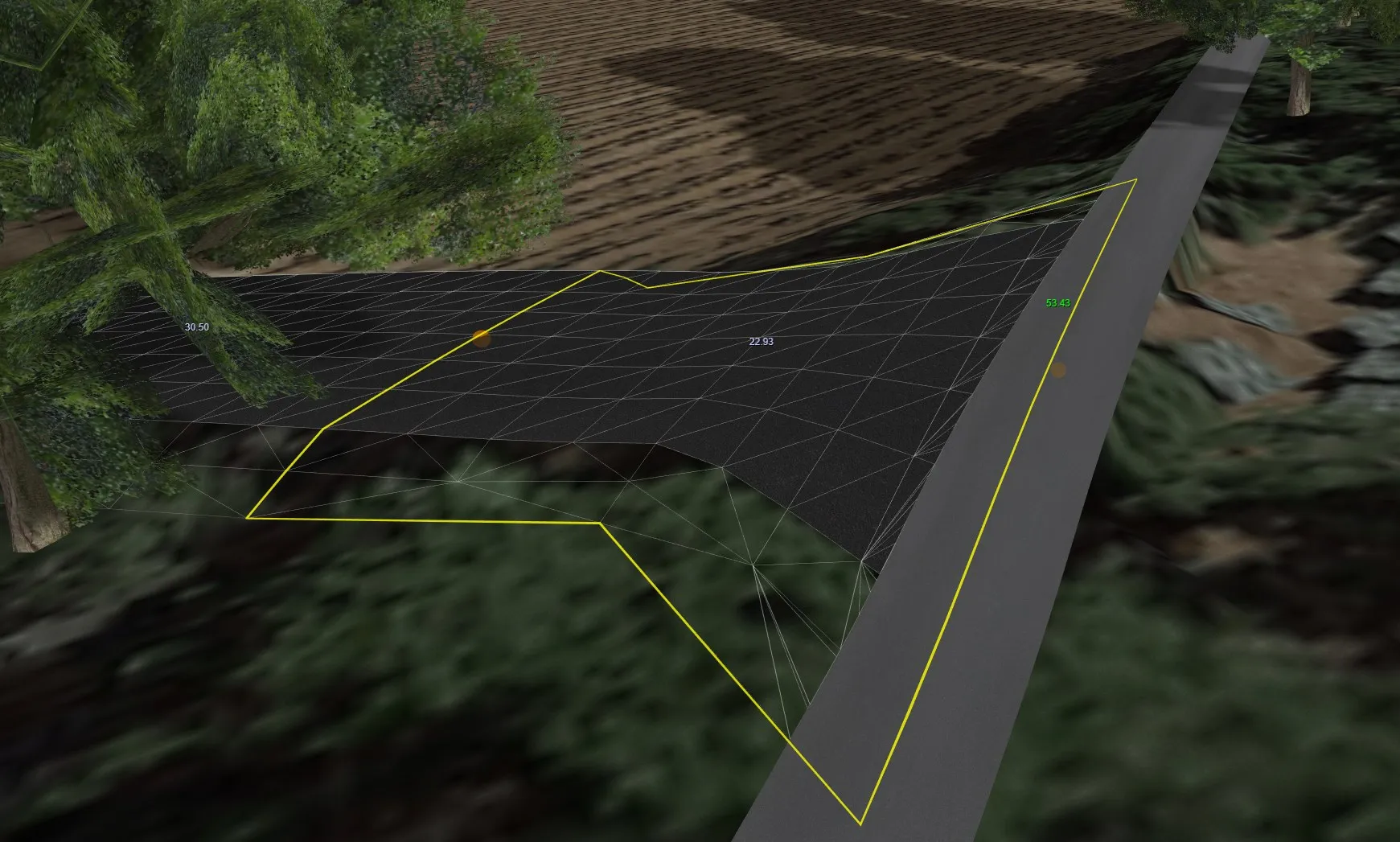
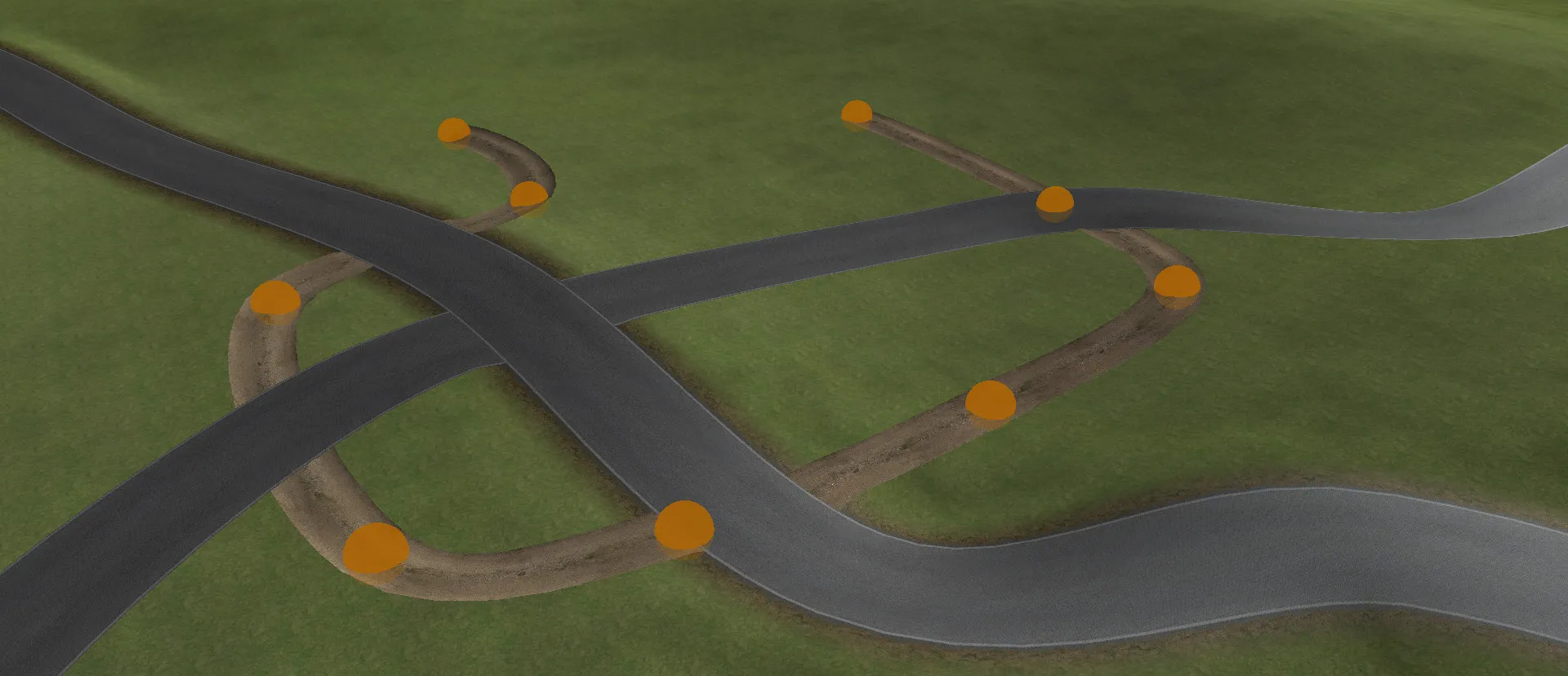
Blending works between tracks too. When one track cuts through another, the vertices of the cut track are raised or lowered to meet the surface of the cutting track. The two roads merge smoothly, without steps or gaps, even when they start at different heights.
Terrain snap
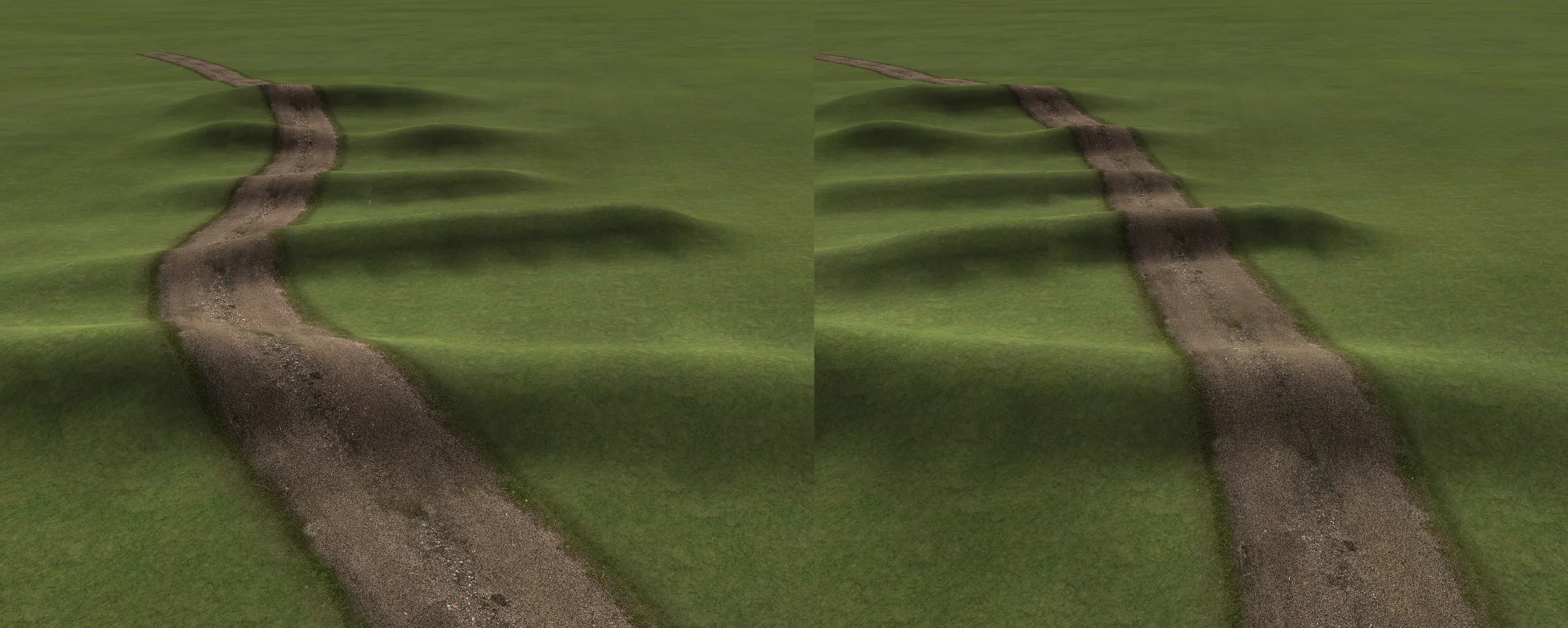
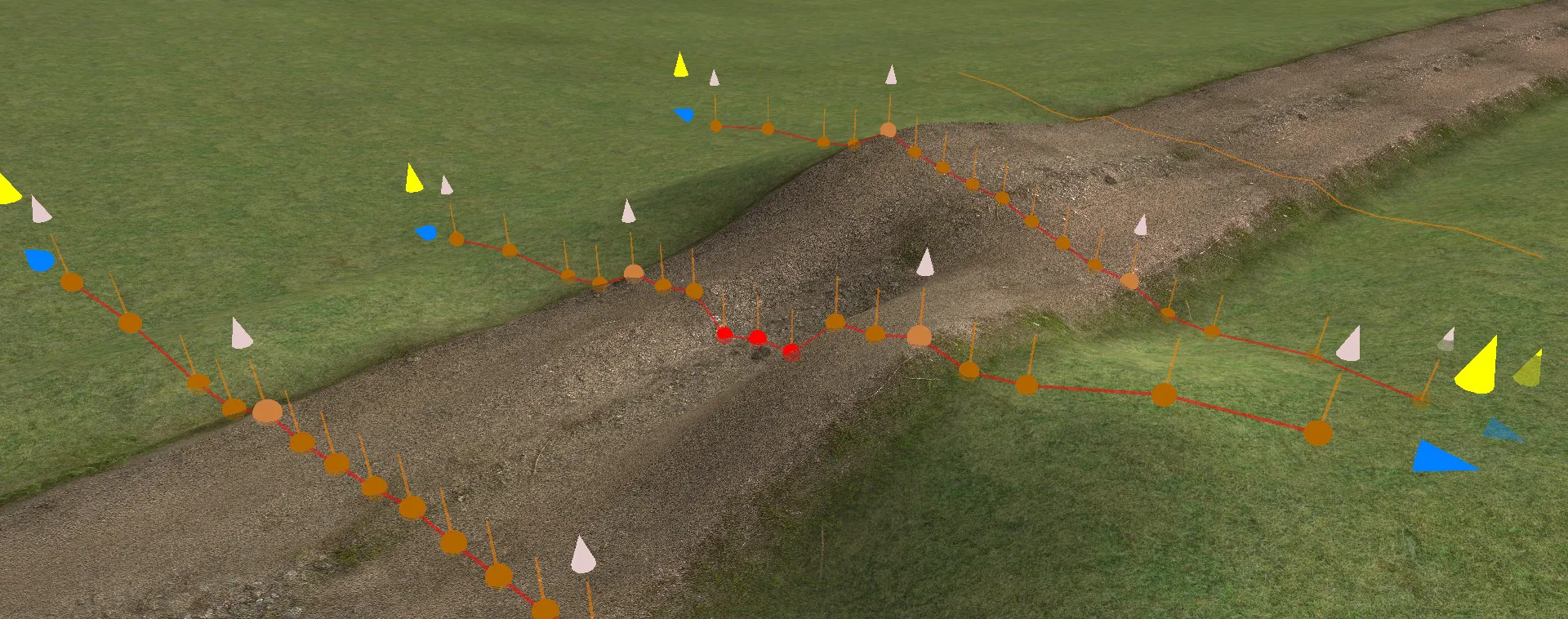
Road points can be weighted to snap to the terrain beneath them. Regular roads use this to blend their edges with the surrounding ground. Apply it to every point on the track for a striking effect.
The road can flow entirely with the terrain, so raising or lowering the ground beneath it changes the road too.
Available now on Steam
Start building your perfect race track today. Updates are freely available.