Track Editing
Modify the terrain, road layout, cross-sections and materials with ease. Adjust the track and the terrain follows in seconds. Change the terrain and the track moves with it.
A fast interface
The interface gives you fast feedback while the high-detail meshes are calculated in the background. Track building is less tedious and you get more done.
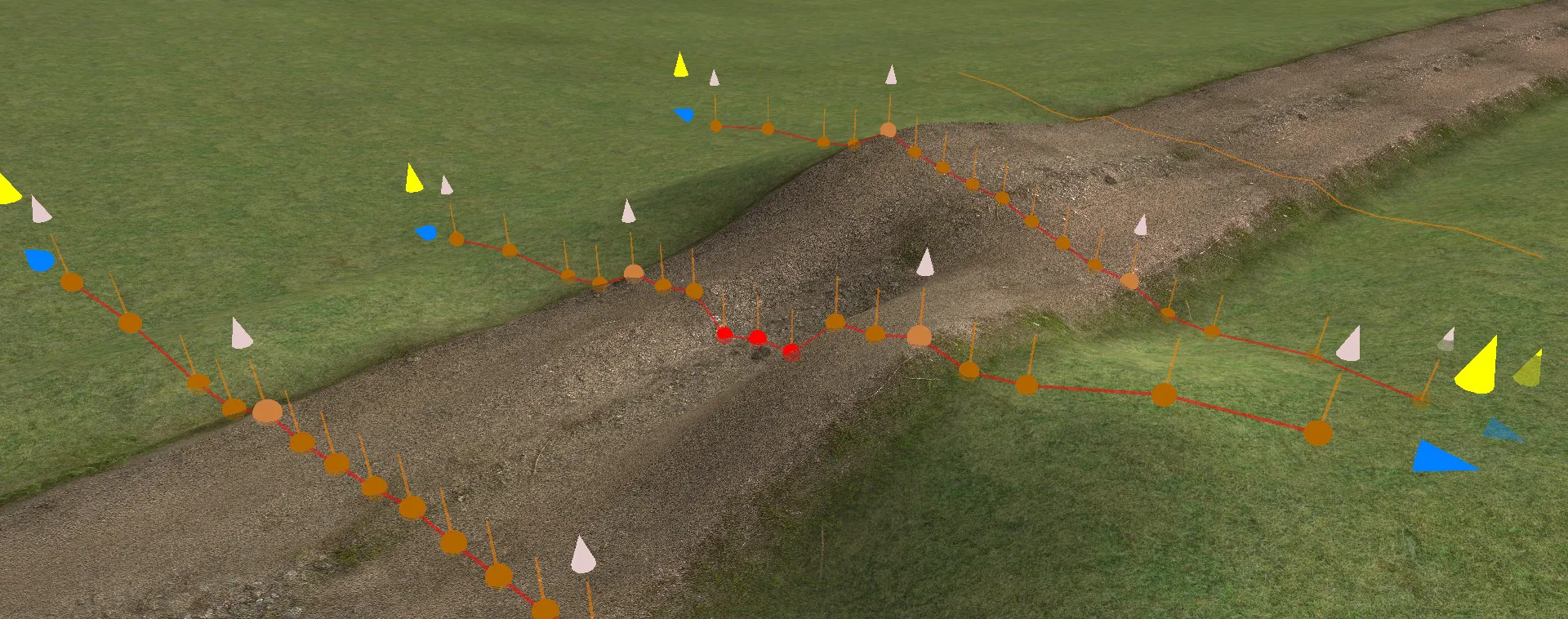
All editing happens in the 3D window. Multi-threaded background calculations rebuild the terrain and tracks as quickly as possible after every change you make.
Advanced mesh
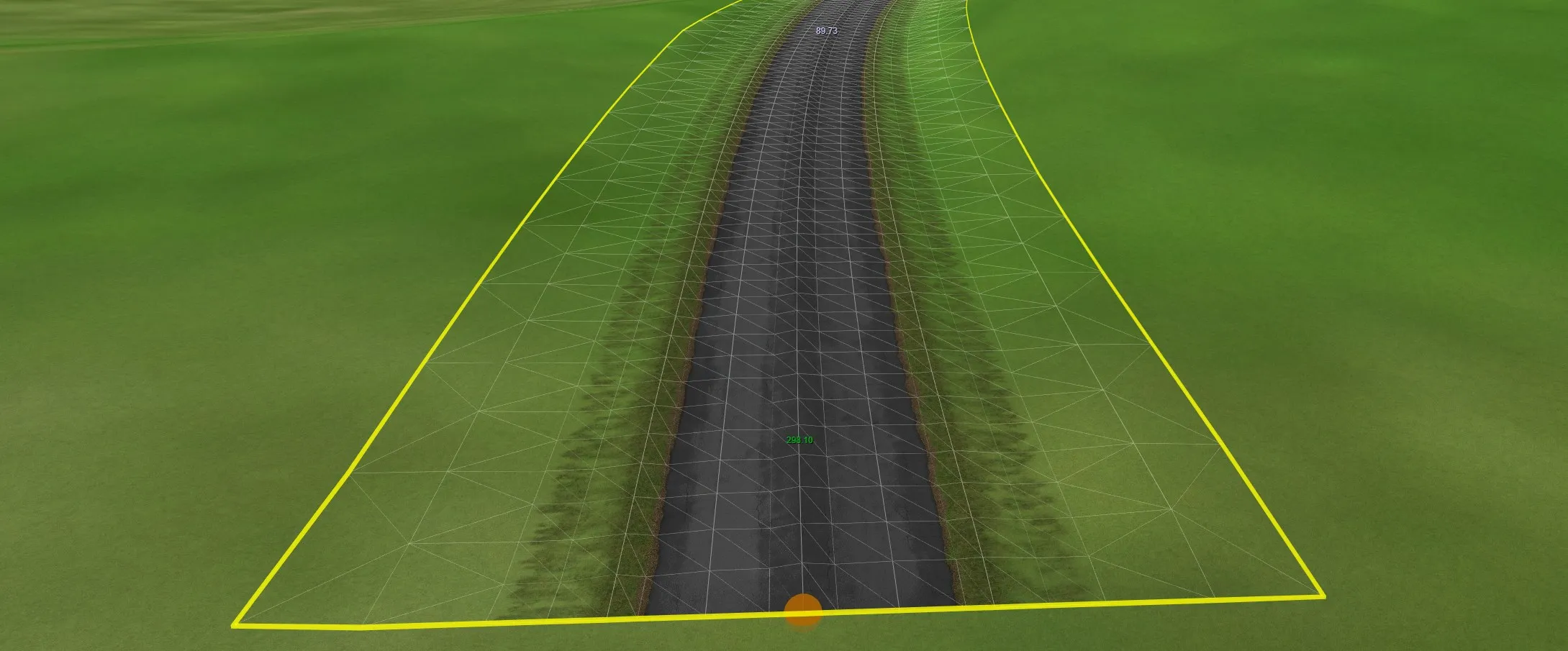
Tracks are made of several parts: the road, for driving on, and the outside areas, where players often end up. By default RTB treats them slightly differently, with the outside areas taking on more of the terrain's shape and texture.
Polygons are reduced towards the edges to keep the polygon count low while keeping the surface drivable.
On tight corners, where the inside edges of the mesh would normally overlap, the mesh is corrected automatically.
Track cutting
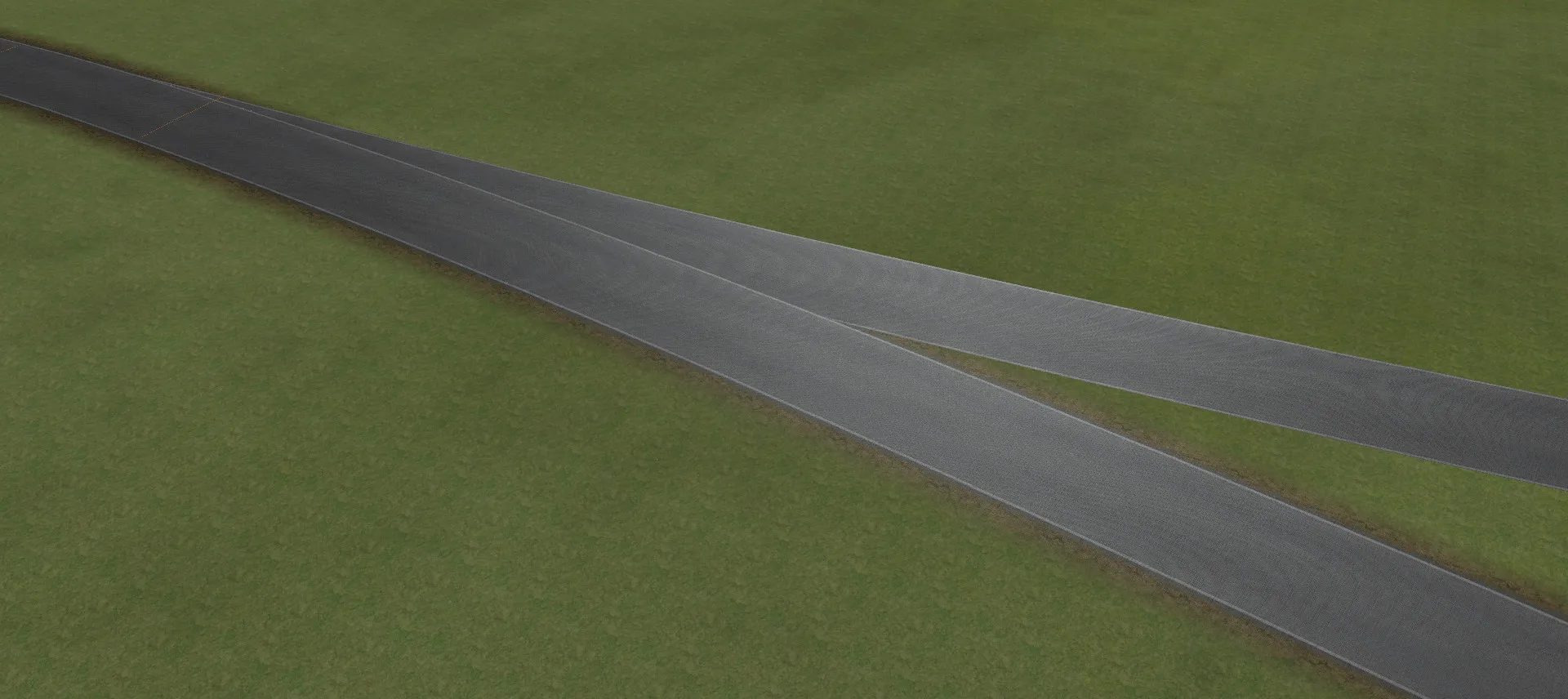
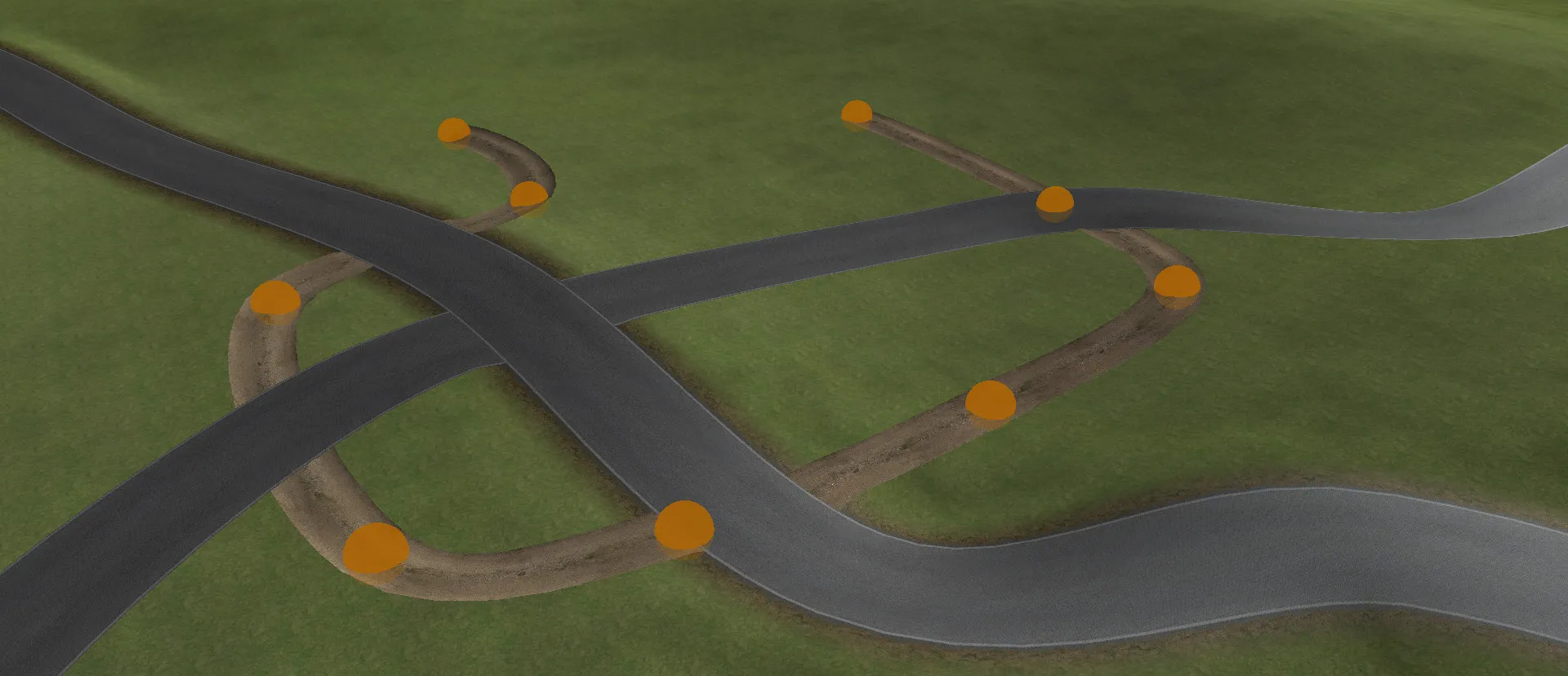
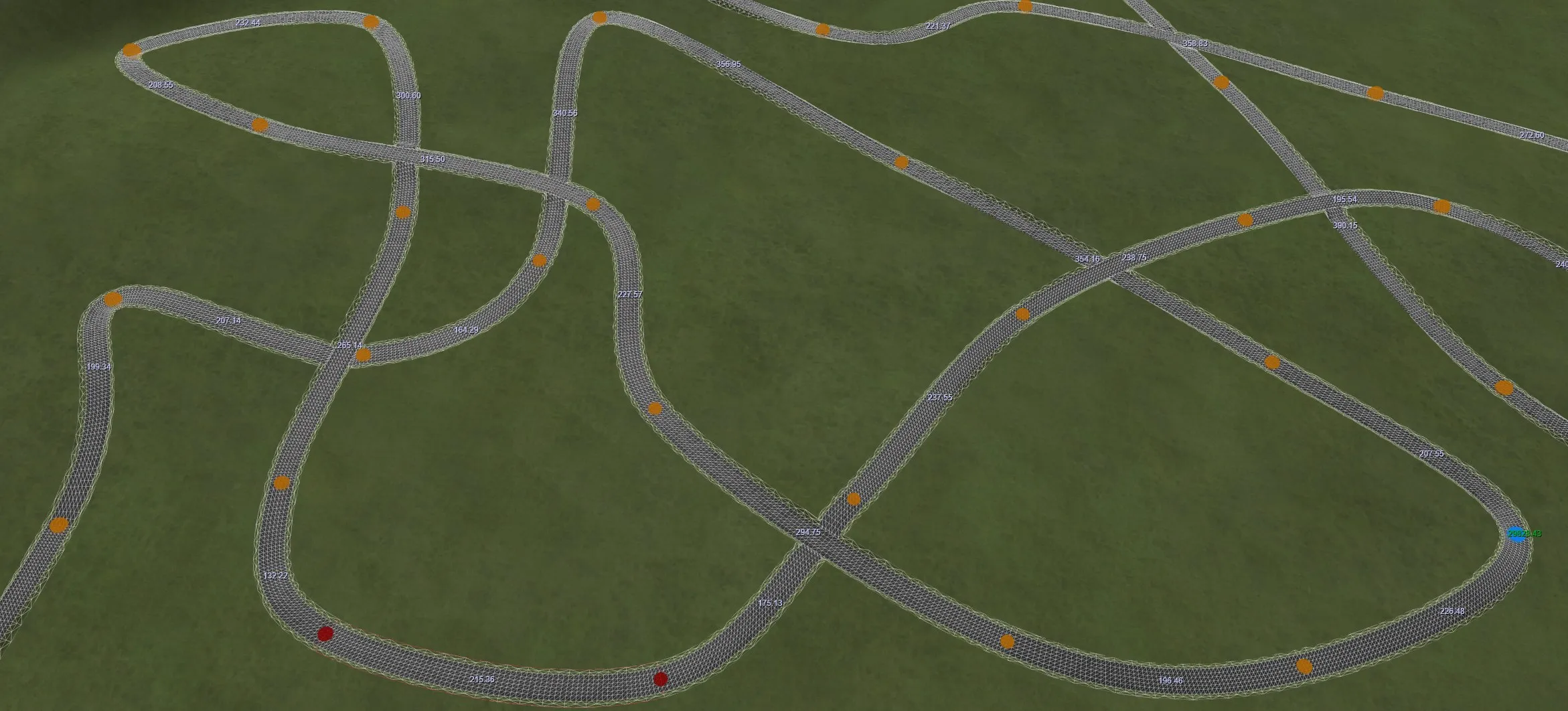
The terrain is cut wherever you place a track. Move a track and the terrain is recalculated automatically. You can switch cutting off to build structures such as bridges.
Tracks can also cut into other tracks, forming seamless intersections, run-off areas, pit lanes and more creative ideas.
Track joining and camber
Joining
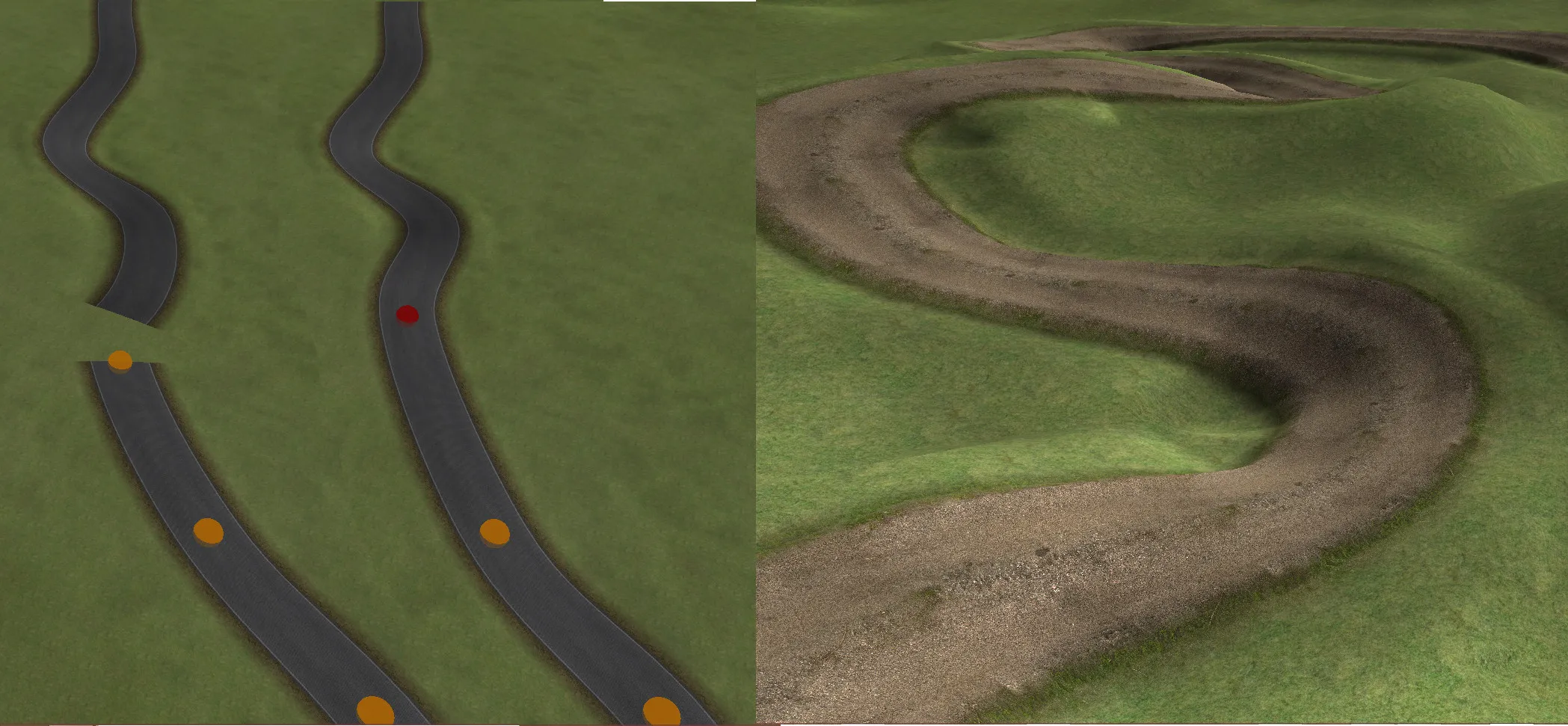
Build tracks in manageable lengths, then join them by snapping one end to another.
Tracks with different cross-sections join seamlessly, so detailed sections can be combined with a simpler track mesh.
Camber
Tight twists and turns almost always need camber: a sideways slope that helps vehicles take the corner at higher speed. RTB can add camber automatically based on how tight each turn is. That alone can save days of manual editing.
Track blend
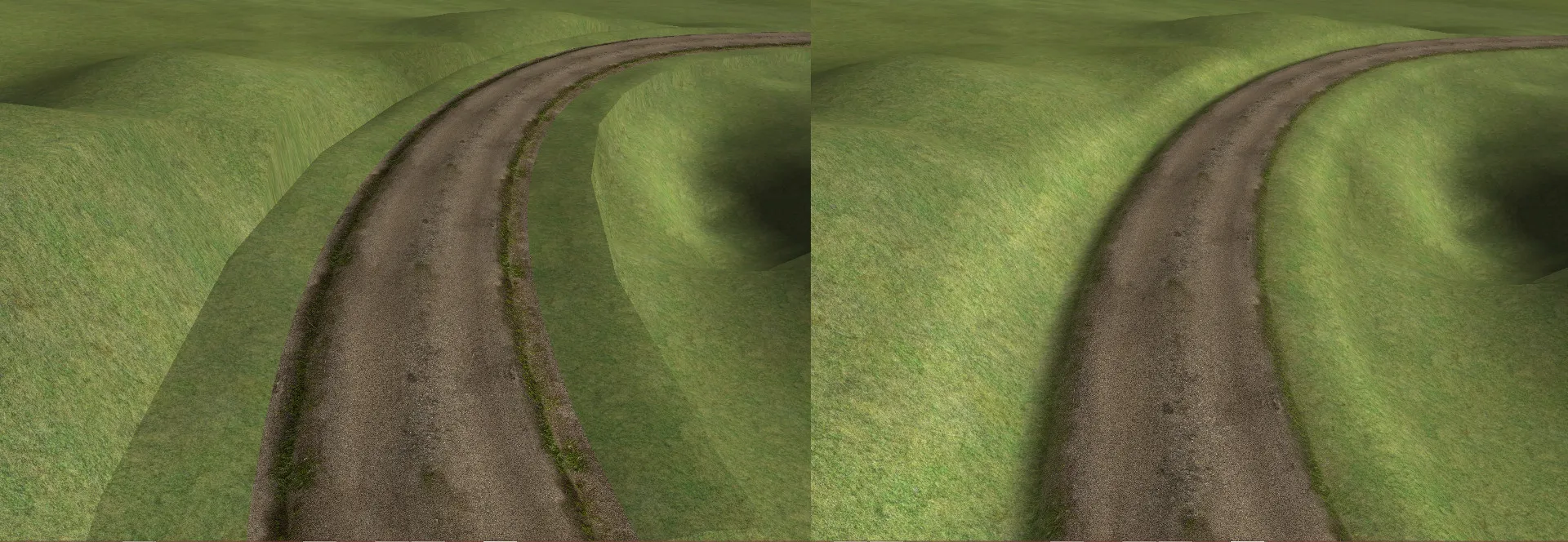
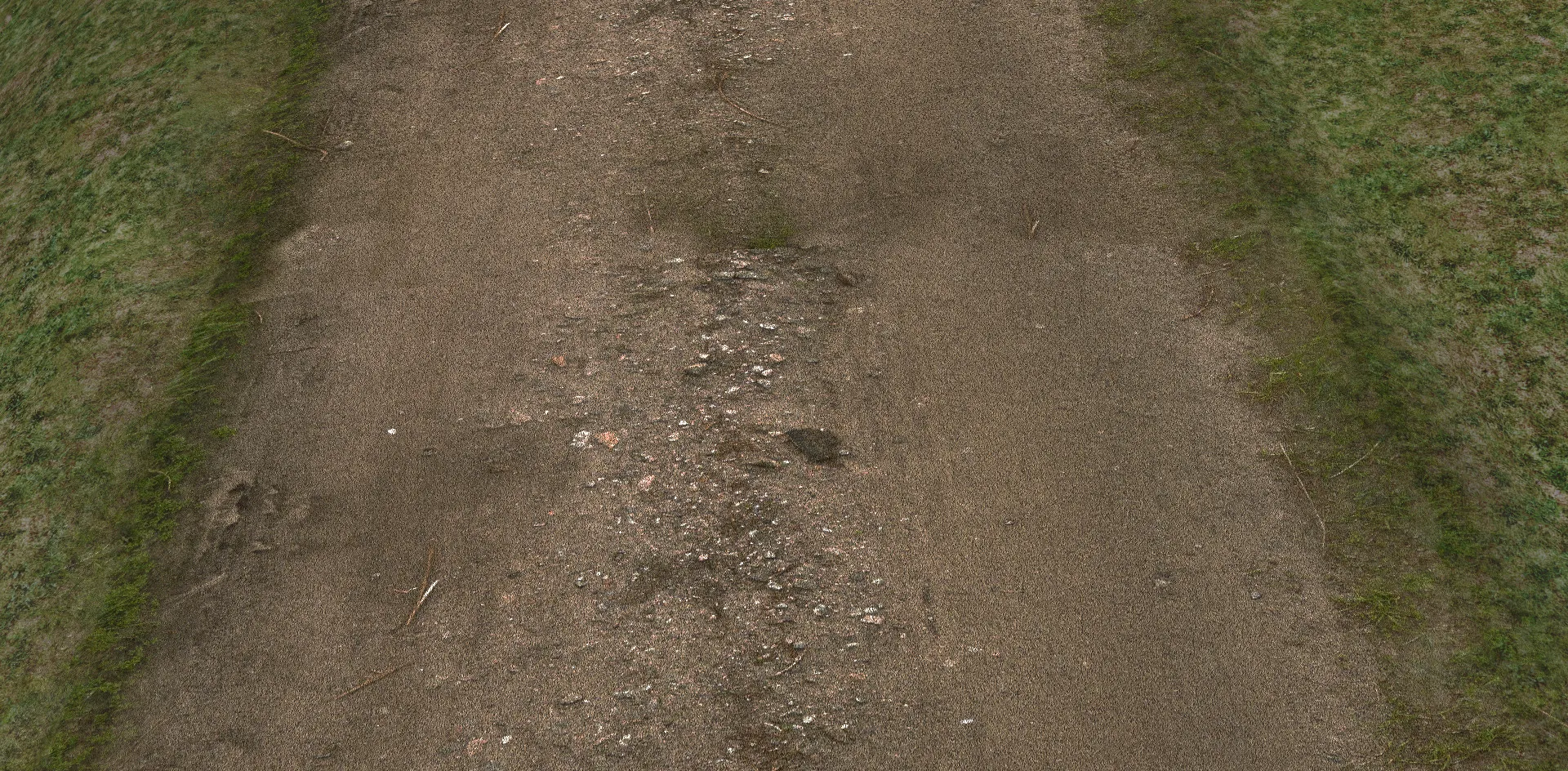
By default, track edges are calculated, shaped and lit to blend with the surrounding terrain. See how blending works →
Available now on Steam
Start building your perfect race track today. Updates are freely available.