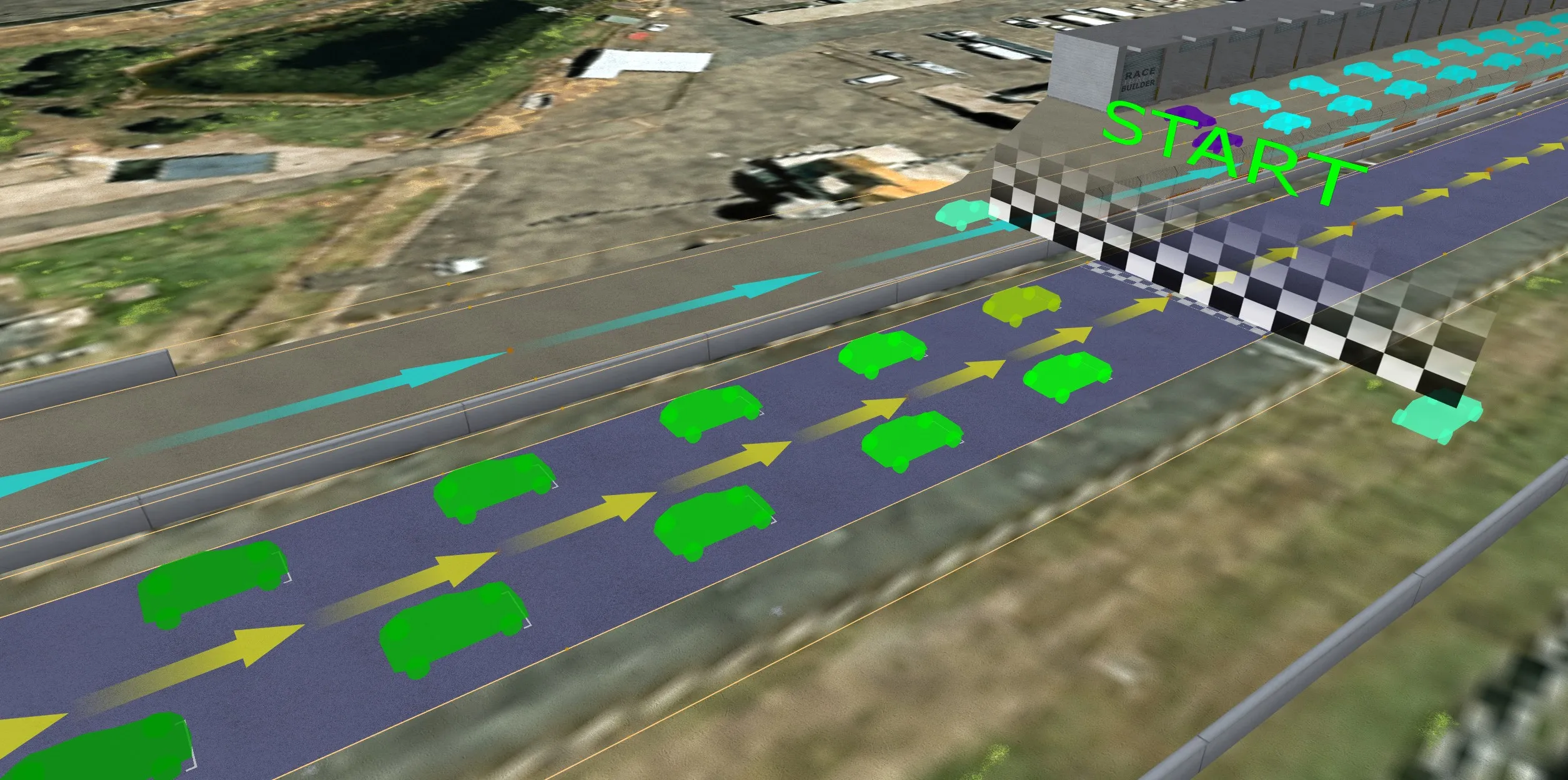
Start / Finish
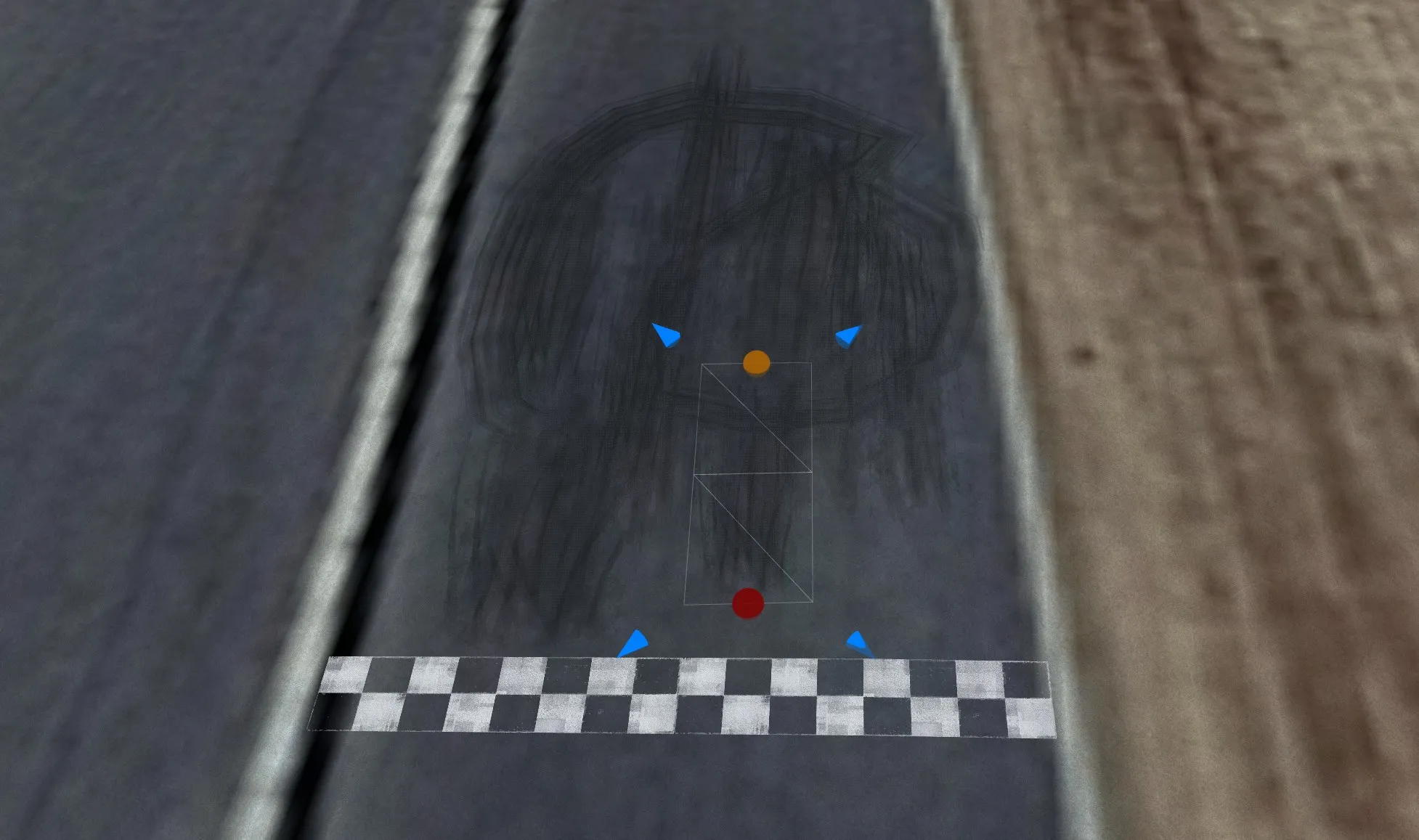
Place pit lanes, start/finish lines and timing gates directly on the track.
The whole grid in one step
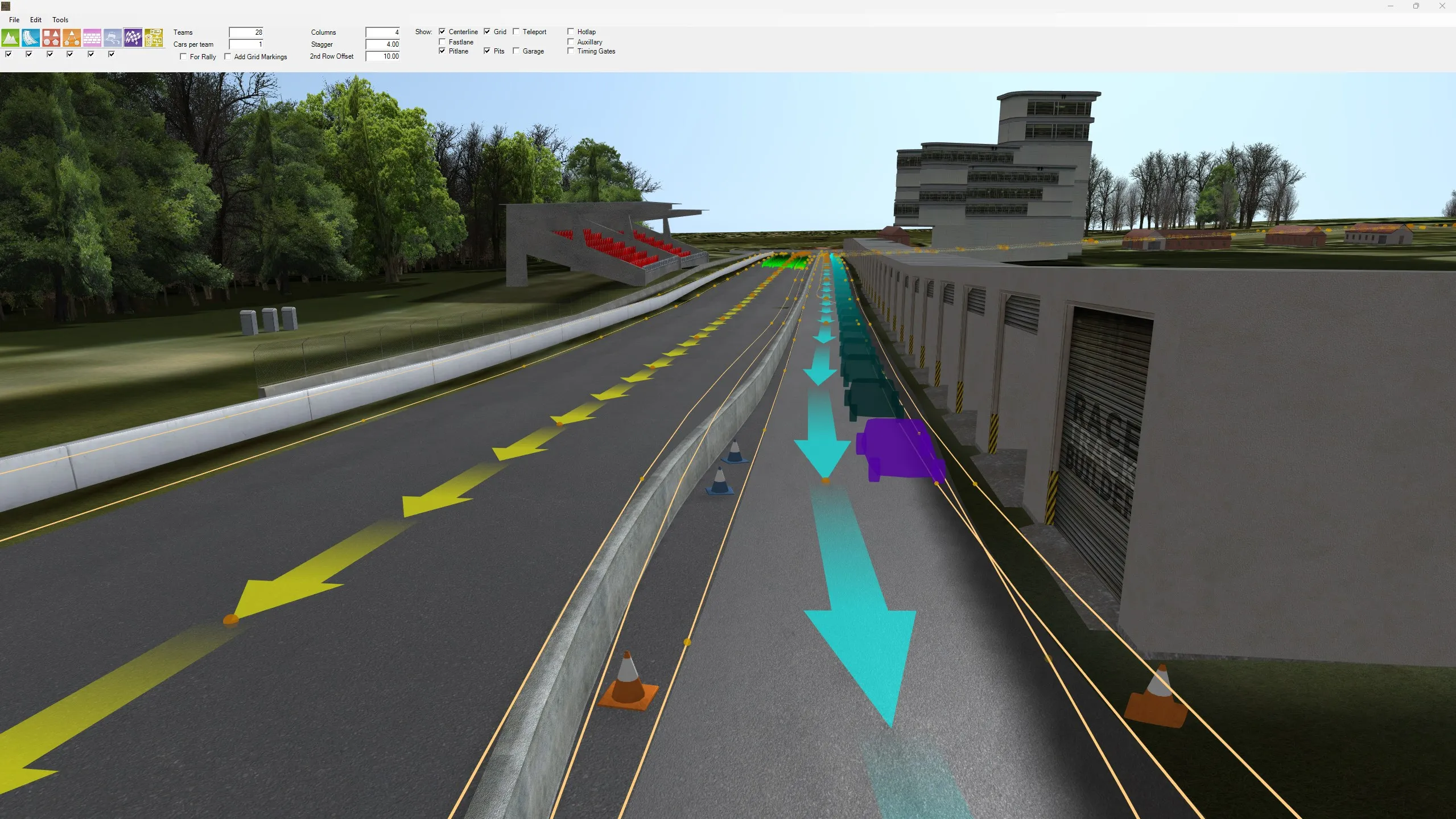
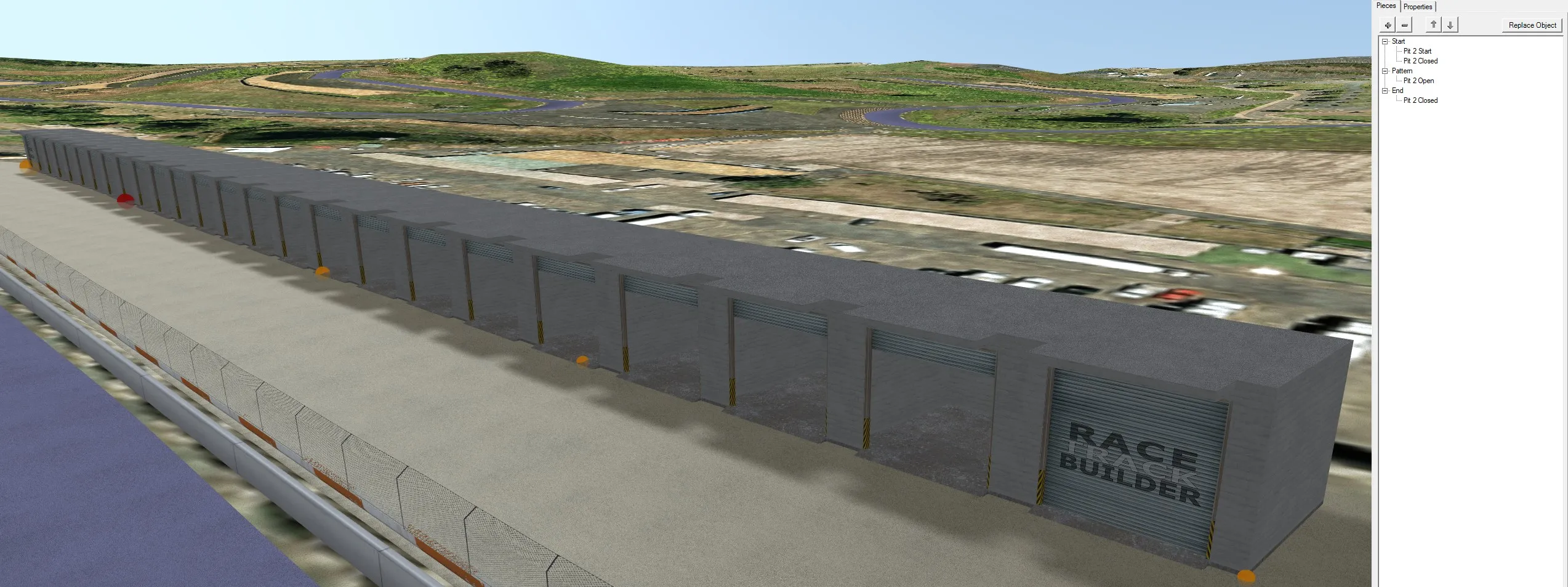
Set the number of teams, cars per team, columns and stagger, and RTB lays out the full starting grid behind the start line. The pit lane path and a pit box for every car are placed alongside.
The race direction is marked along the track, and the grid, pits, garages, pit lane and timing gates can each be shown or hidden while you work.
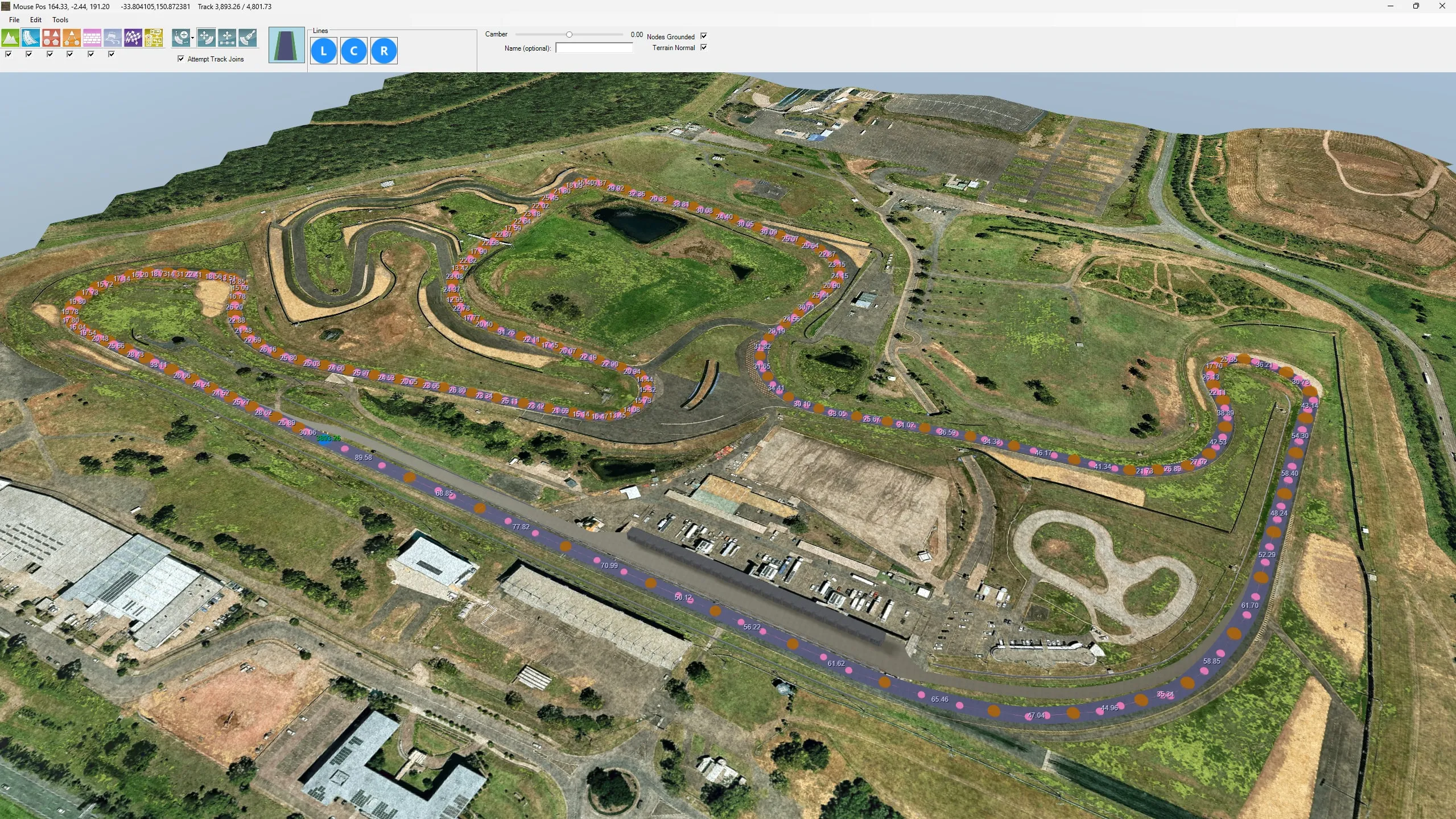
Centreline and fast line
Lay the centreline and fast line around the lap by dropping nodes along the track. The distance between each node is shown as you go, so it's easy to keep the spacing even through the corners.
Sims use these lines to follow the circuit and guide AI drivers, so a clean line pays off the moment you test in-game.
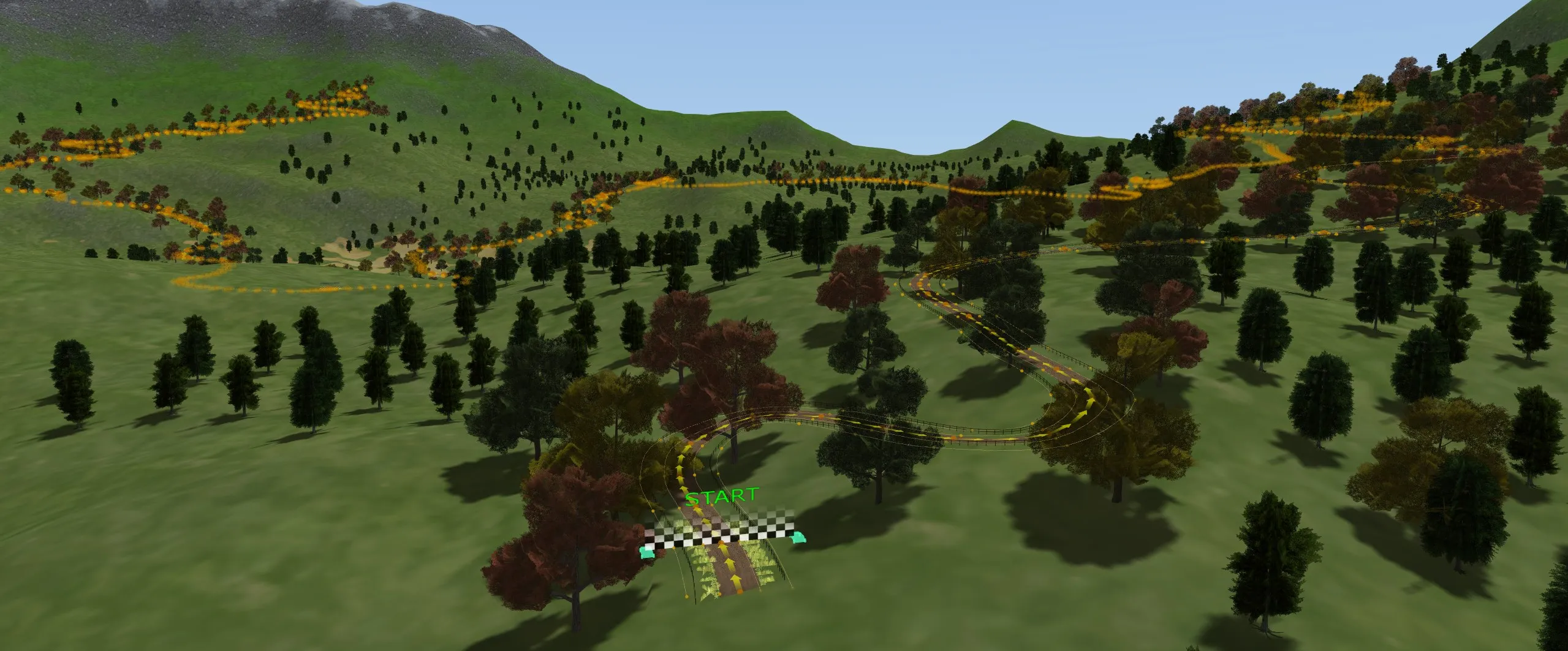
Timing gates for rally stages
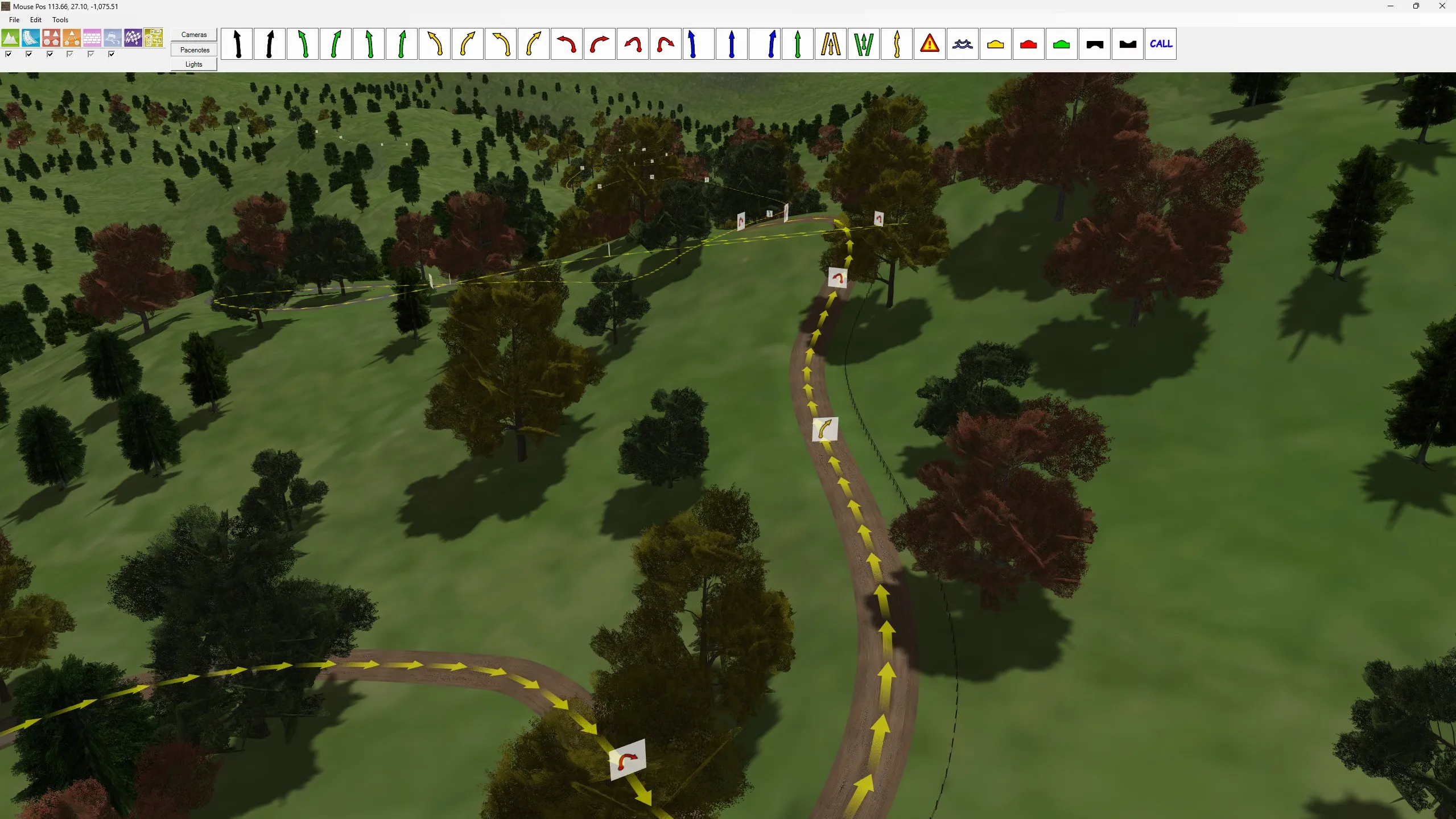
Rally stages don't loop back on themselves, so switch the start/finish tool to rally mode and place timing gates at the start and finish of the stage instead of a grid.
Build a stage through the forest, drop in the gates, and export it direct to Richard Burns Rally.
Placed on the track
Start/finish positions sit directly on the road. Like other objects laid over the track and terrain, they reposition themselves when you change the ground beneath them.
Available now on Steam
Start building your perfect race track today. Updates are freely available.